
Digital product passports for the products that carry your name
Whether you make your products yourself, have them made under your brand, import them or resell them, xProduct names the right companies in every passport, and helps you fill, publish and label each one.
Teams 19.99 € a month, Enterprise 39.99 € a month, or start on the Free plan.
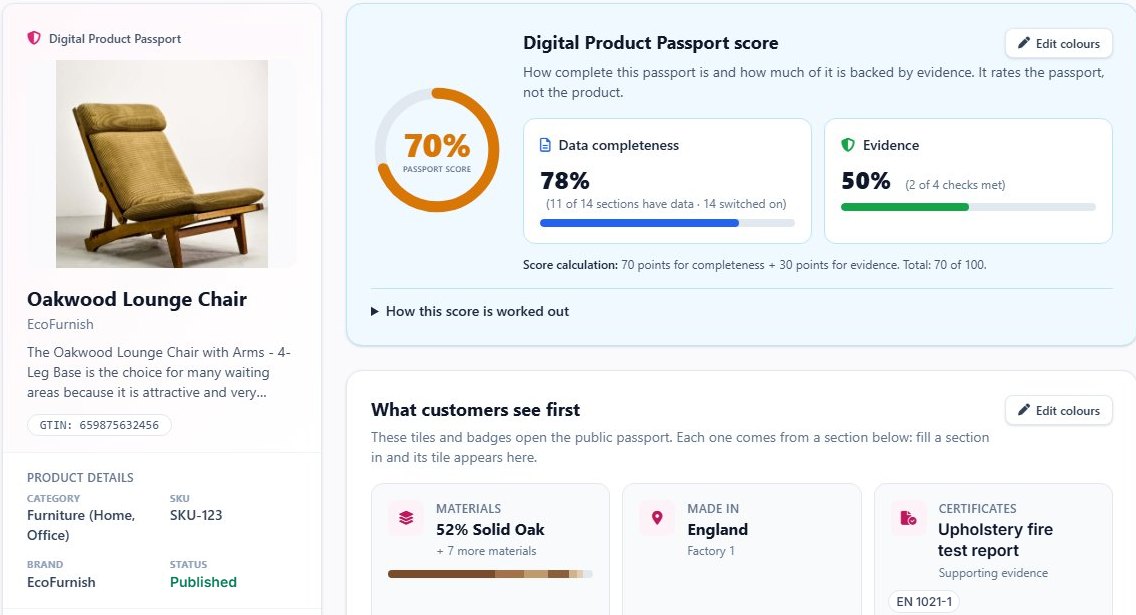
- products on Teams · Enterprise
- 100 · 500
- passport sections per product
- 12 · 16
- company roles: make, import, resell
- 3
- separate UK and EU hosting
- UK · EU
The pictures on this page are real screens of a Teams account, taken on 9 November 2026; test names and codes in them were replaced with examples.
01/Who it is for
Your name is on the product, so it belongs in the passport
A digital product passport names the company behind the product. For a brand that is you, whoever built it. xProduct is made for companies that own the product and the brand, with or without a factory of their own.
Every plan
-
Your own brand
You design the product and sell it under your name, made in your workshop or elsewhere.
-
Private label
A supplier makes it, you put your brand on it. In the passport you are the manufacturer.
-
Made by a contract manufacturer
Your factory partner makes it to your design; your company answers for it.
-
Importers and resellers too
Bring in or resell other makers' products? Choose that role and the passport names both companies.
02/Your company's role
Say once what your company is for its products
In Company details you enter your legal name, website and GLN, and answer one question: do you make or brand your products, import them into the EU, or resell products made by others? Every passport you publish then names the right companies.
Every plan
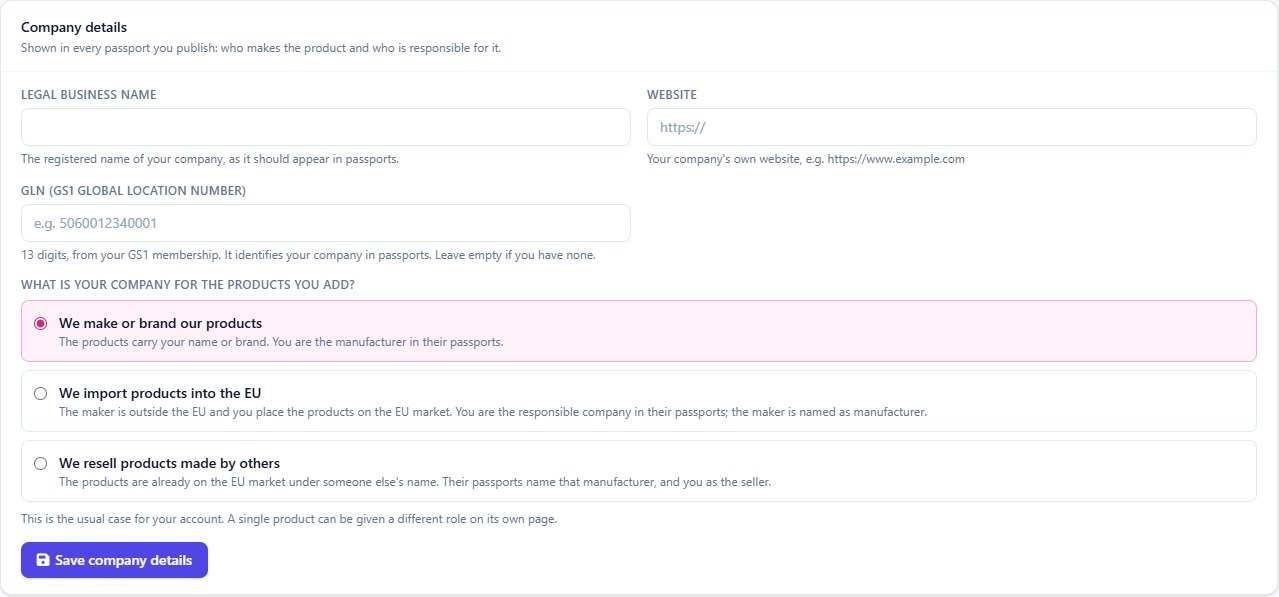
What each choice puts in the passport
- We make or brand our products Manufacturer Your company
- We import products into the EU Manufacturer The makerResponsible company Your company
- We resell products made by others Manufacturer The makerSeller Your company
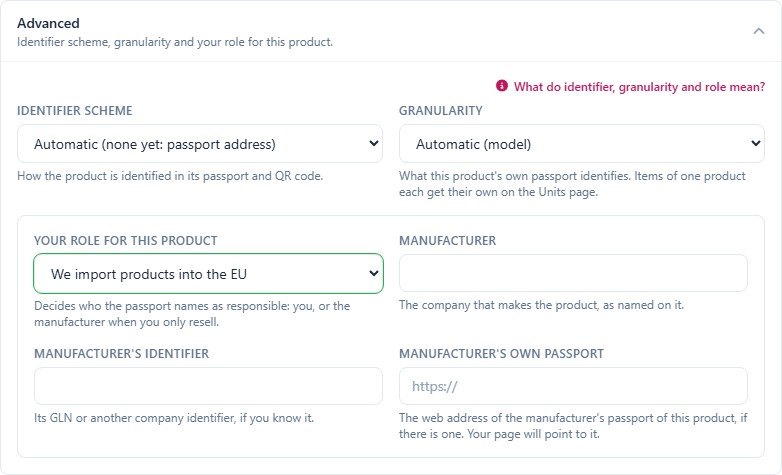
- A single product can be given a different role on its own page, for the few you import or resell.
-
Per product
Keep the company role, or give one product its own, with its manufacturer's details.
-
Responsible companies
A passport section that names your EU or UK importer and authorised representative.
-
GLN and barcode check
If GS1 lists your barcodes under another company's name, Company details tells you.
-
Shown on the passport
For an imported or resold product, the public passport names the maker and the company that imported or sells it.
03/How it works
From company details to a code on the box
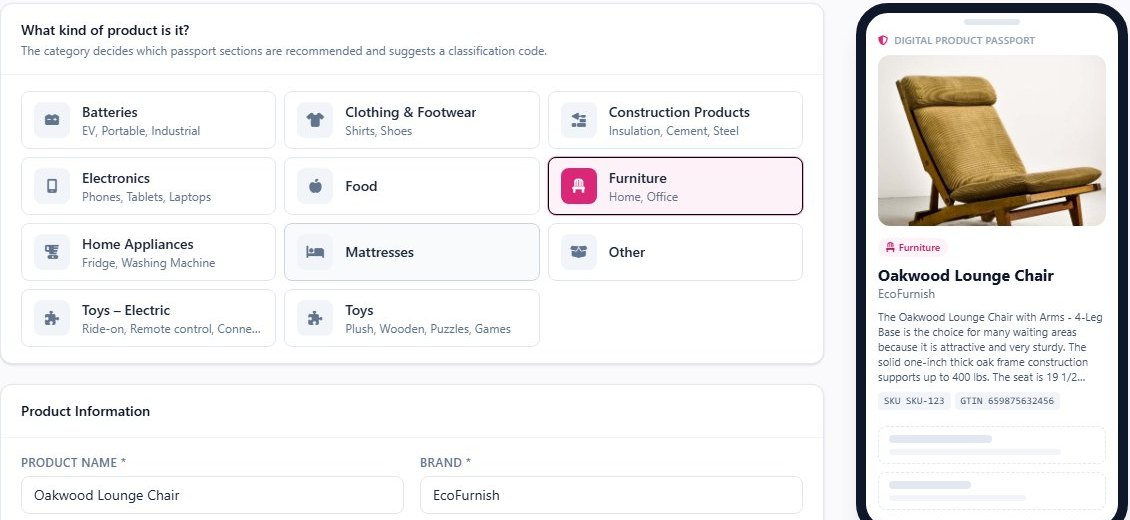
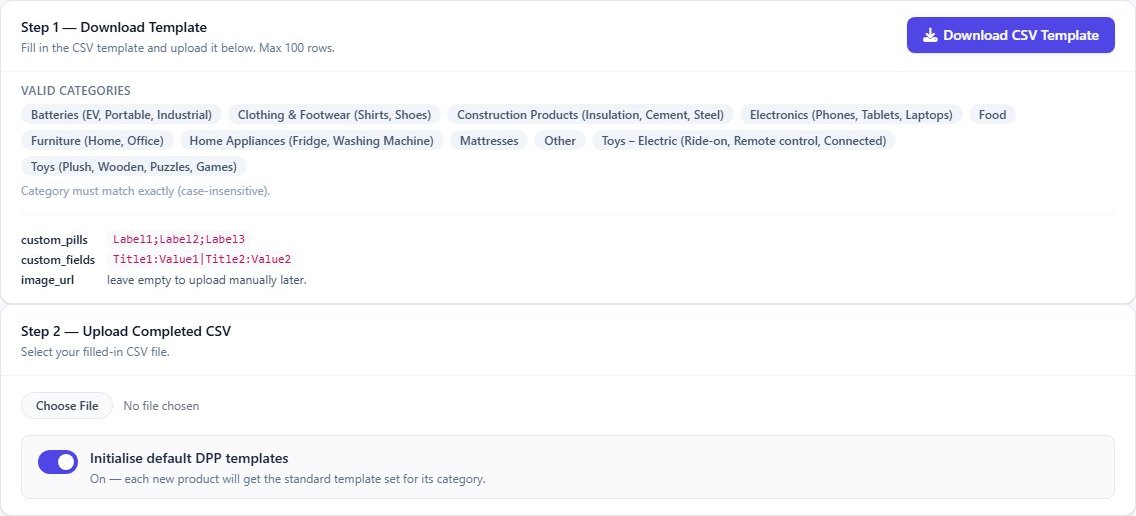
Add products one by one in four short steps, bring in a spreadsheet, or import them from your Shopify store. The category you pick suggests the passport sections and a classification code.
Every plan · spreadsheet import: Teams and Enterprise · labels: paid plans
-
Company details
Legal name, website, GLN and your role. Done once.
-
Add products
One at a time, up to 100 rows per spreadsheet, or from Shopify with their pictures.
-
Fill the passport
Materials, care, repair, recycling, certificates: the score shows what is still missing.
-
Publish and label
Publish, then print the QR code, order labels or write an NFC tag.
04/Passports
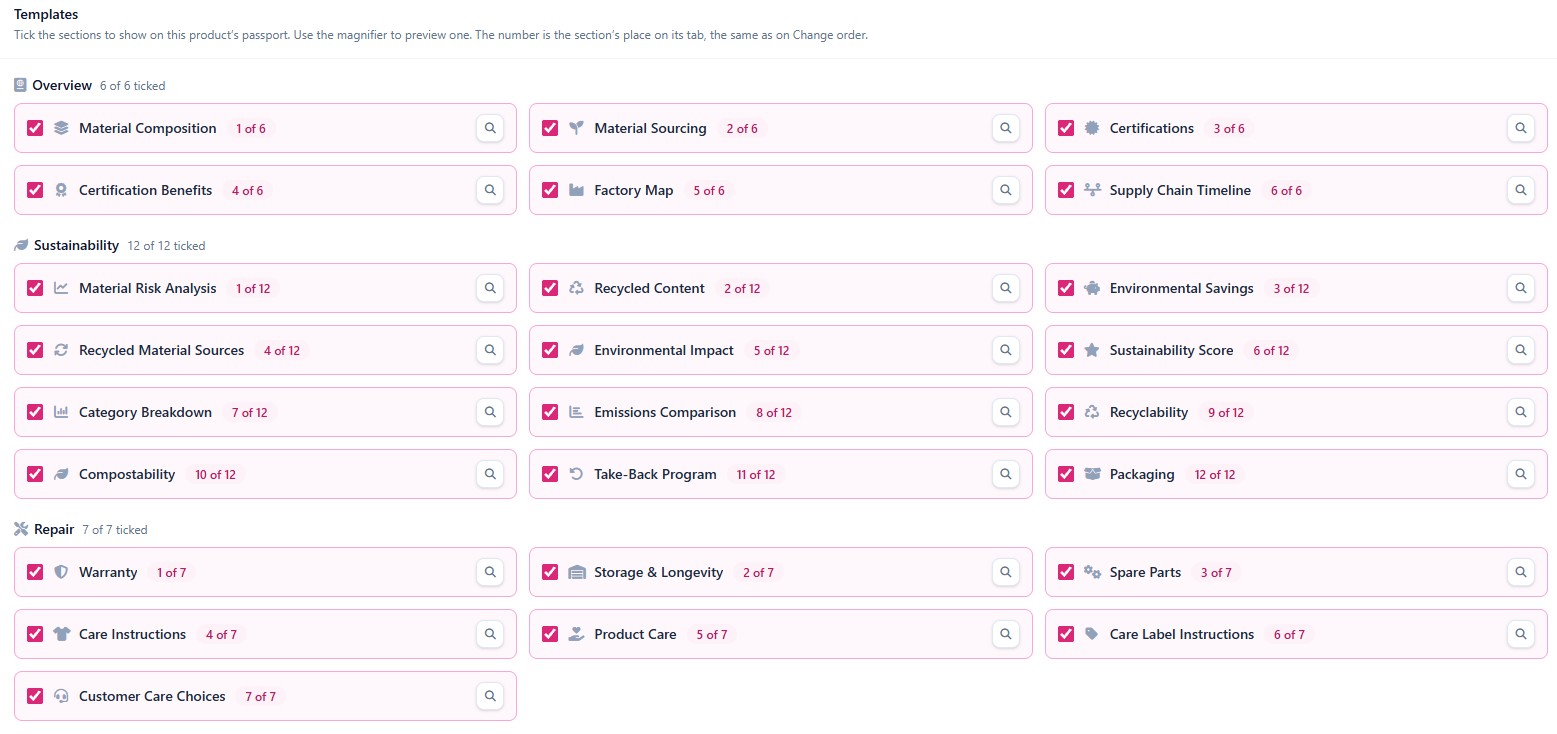
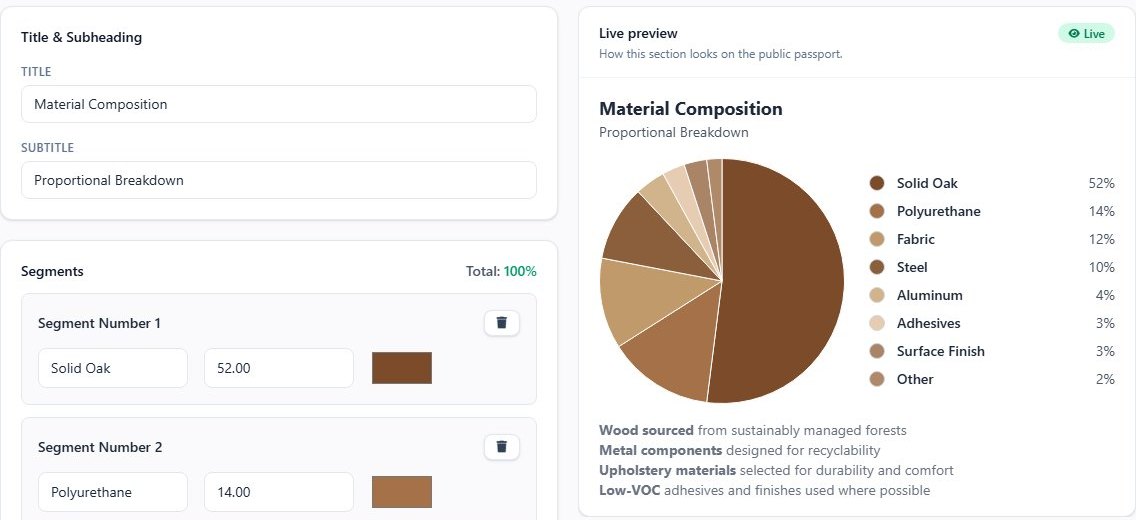
Pick the sections, fill them in, watch the score
About 65 passport sections, from materials and carbon to care, repair and end of life. Tick the ones that fit the product, or let Dipo, the AI assistant, suggest them. Each section has its own editor with a live preview, and the passport score shows how complete the passport is and how much of it is backed by evidence.
Every plan · 12 sections per product on Teams, 16 on Enterprise
-
About 65 sections
Materials, carbon, care, repair, end of life, certificates, safety and more.
-
Passport score
Completeness and evidence, with a list of what lifts the score.
-
Dipo, the AI assistant
Suggests the sections for a product, using your plan's AI credits.
-
Rules for this product
On Enterprise: the data each rule asks for, what the product holds, and a green claims check.
05/The public passport
What your customers see when they scan
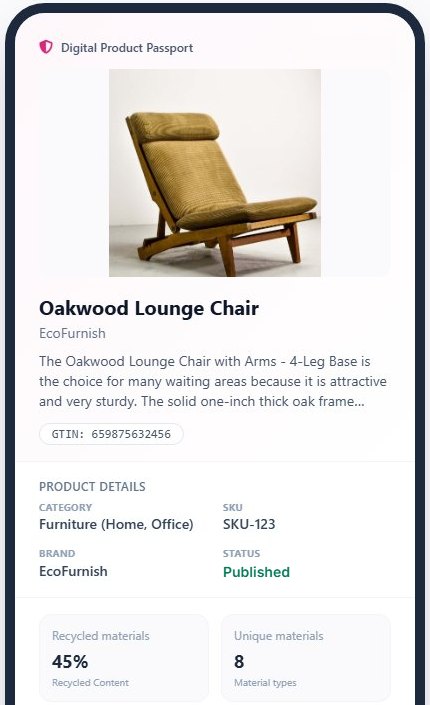
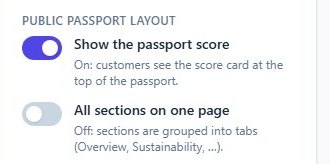
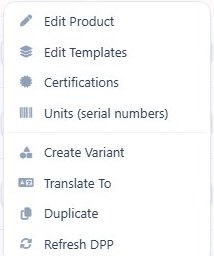
A clean page on any phone, in your customers' language. Choose whether it shows the passport score, and whether sections sit in tabs or on one page. Add a language version of any product from the product list.
Every plan
 Open the full-size picture
 Open the full-size picture
 Open the full-size picture
-
Language versions
Each language version keeps its link to the original product.
-
Your layout
Score on or off; sections in tabs or on one page.
-
Widgets for your website
Show passport data on your own website or shop with ready-made widgets.
-
Only what you publish
Drafts stay private, and you choose which certificates are public.
06/QR, labels and NFC
One code per product, on whatever you print
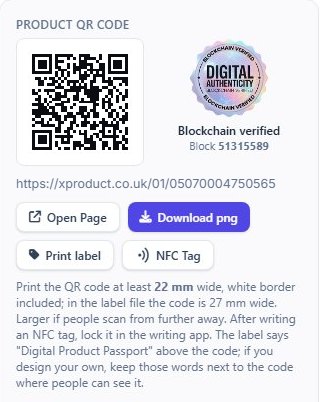
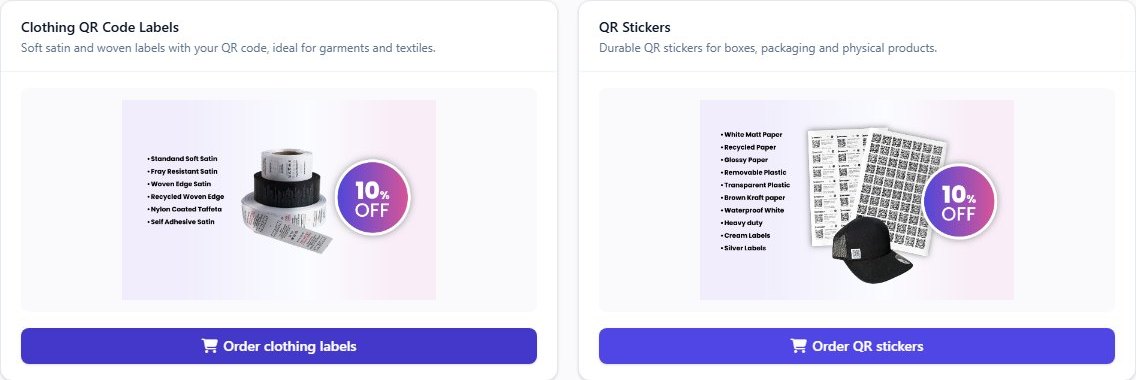
Every product gets its QR code and public link. Download it for your own packaging, print a ready label, write the link to an NFC tag, or order printed QR labels and stickers. Items with their own serial number get their own code too.
Paid plans · label discount: Teams and up
 Open the full-size picture
-
QR code and link
The code stays the same when you change the passport.
-
NFC tags
A file to write the passport link to a tag, for products where a sticker will not do.
-
Printed labels
Satin, woven and sticker labels with your codes, ordered from your account.
-
Serial-numbered items
Up to 500 items on Teams and 2,000 on Enterprise, each with its own code.
07/Certificates
Upload each certificate once, use it on every product
Certificates, test reports, declarations and manuals live in one library. Attach a document to any number of products, see what runs out soon, and find the products still missing a document. On paid plans, AI reads the upload and fills in its details for you to check.
Every plan · AI pre-fill: paid plans

08/Scans
See where and when your passports are opened
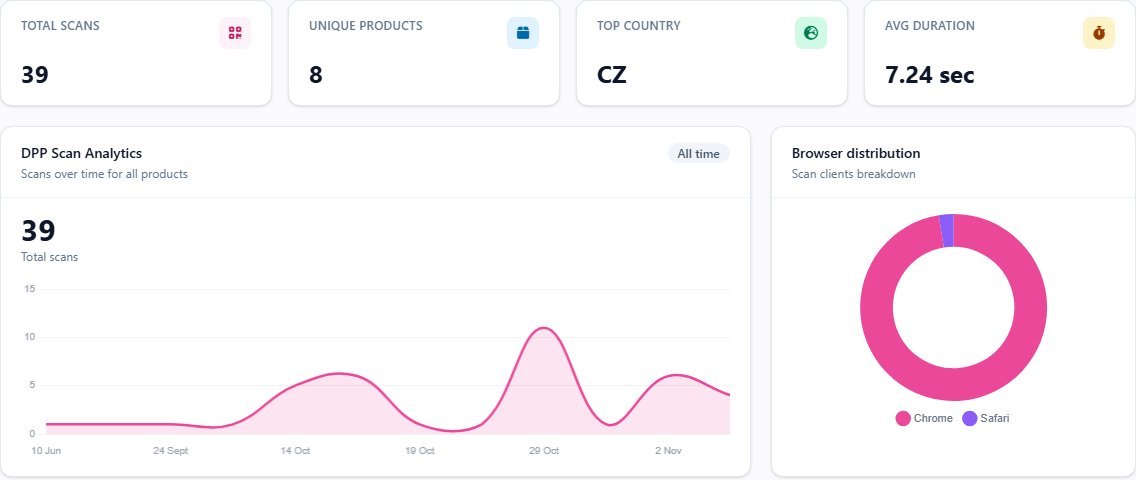
Scans over time, by country and browser, for all products or one. Nothing that identifies the reader is kept: no IP address and no visitor ID.
Teams, Enterprise and Manufacturer
09/Rules and deadlines
Know which rules apply to your products, and when
Answer a few questions about your company and products. The Regulations page in your account, opened from the Regulation Navigator, then lists the EU and UK rules that apply to you, with the dates that matter. Guidance to fill gaps, not legal advice.
Paid plans · Regulation Navigator: free
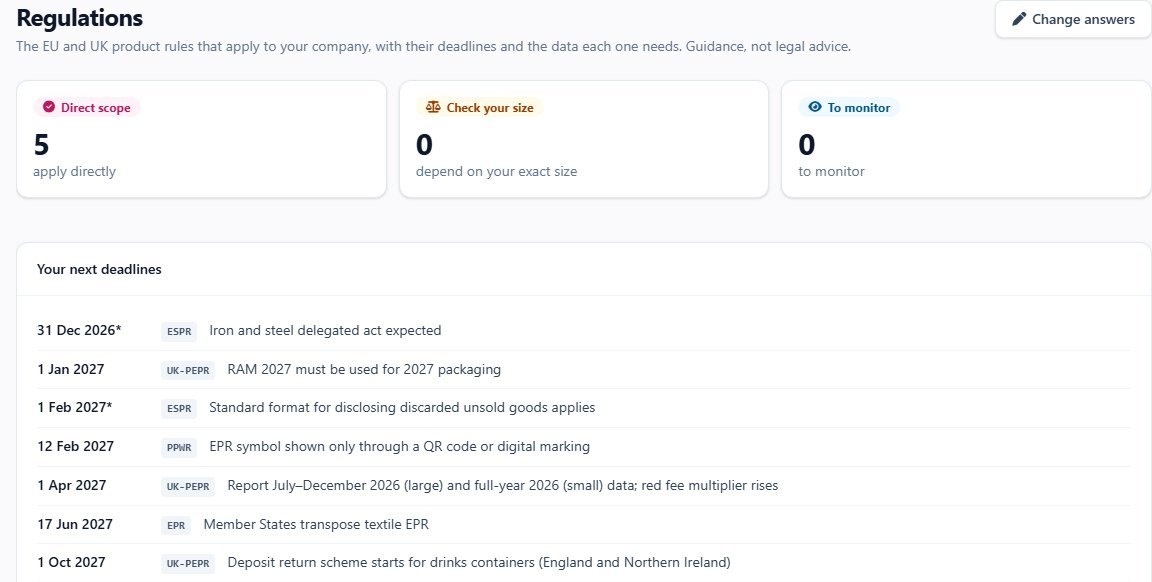
- Free · no account Regulation Navigator A few questions, about two minutes, and the product rules likely to apply, with their dates.
- Free Product rules library One page per rule: what it asks for, who it applies to and when.
- Enterprise · Manufacturer Rules for this product On each product: the data each rule needs and what is already there.
10/Your team
Bring a colleague, or the whole team
The account owner invites people by e-mail; they set their own password and work in the same products and passports.
Teams and Enterprise
 Open the full-size picture
- Teams
You and one colleague
Two users in all: the owner and one invited Teams admin.
- Enterprise
As many as you need
Invite your whole team as Enterprise admins, with no set limit.
- Manufacturer
Roles for every job
Auditors, sellers, regulators, customs and partners, each with a view of its own.
11/Data in and out
Bring products in, take everything out, keep a record of every change
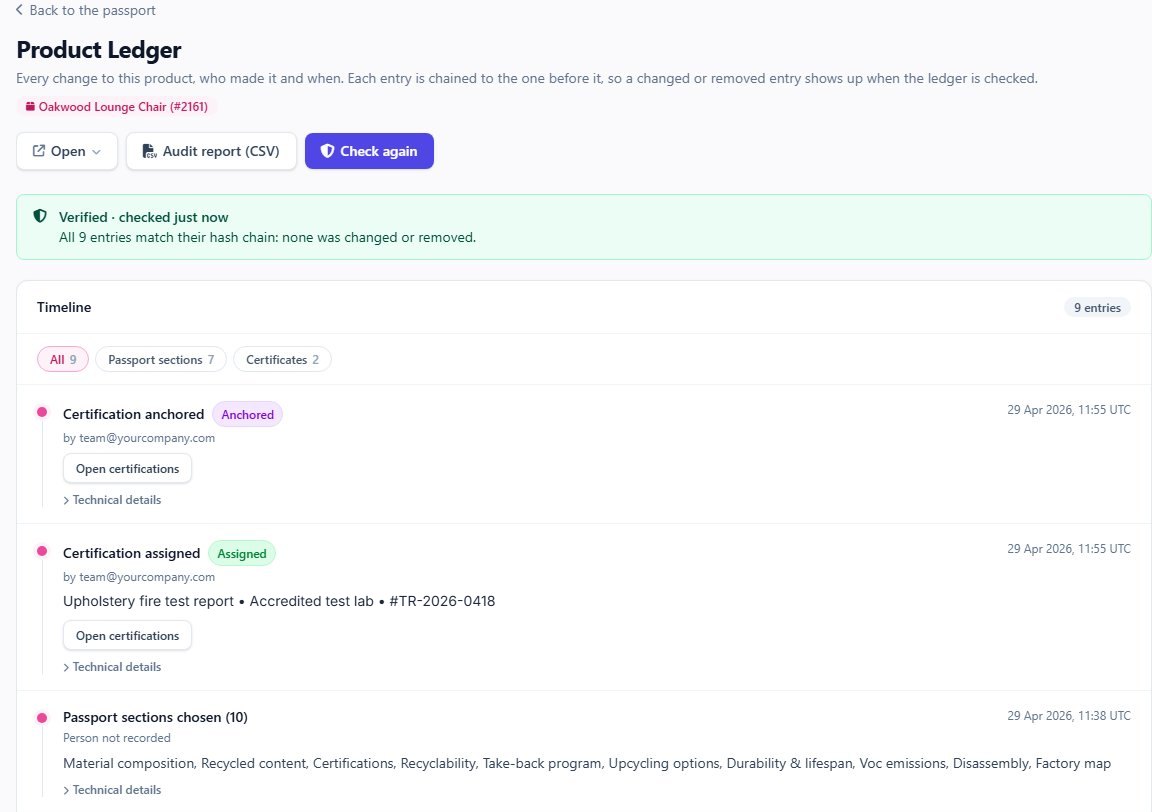
Import from Shopify or a spreadsheet, export your products whenever you like, and let other systems read your published passports. Every change to a product goes into its ledger, each entry linked to the one before, so a changed or removed entry shows up when the ledger is checked.
Every plan
- Shopify — choose the store products to bring in, with their pictures.
- Spreadsheet import — up to 100 rows per file; the same SKU updates the product (Teams and Enterprise).
- Exports — products to CSV or Excel, QR codes of the products you pick, and a full archive of your passports.
- Passport API — anyone can read a published passport (following EN 18222).
- Passport seal — passport data comes with a signature anyone can check.
- Your data, your site — UK accounts are kept in the UK and EU accounts in the EU.
12/Live examples
Open a real passport
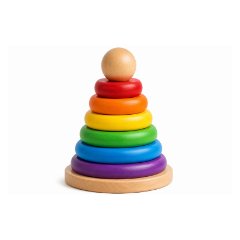
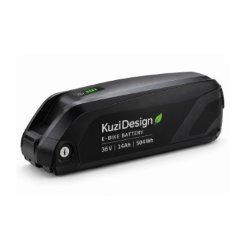
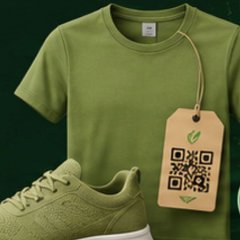
Passports published with xProduct, as your customers would see them after scanning the code.

13/Plans
Teams, Enterprise or Manufacturer?
Teams and Enterprise have the same menu; Enterprise has higher limits, more users and the product rules checks. Choose Manufacturer when you also run production, partners and transfers in xProduct.
| Feature | Teams 19.99 € | Enterprise 39.99 € | Manufacturer 150 € |
|---|---|---|---|
| Products | 100 | 500 | 1,000 |
| Passport sections per product | 12 | 16 | 50 |
| Serial-numbered items | 500 | 2,000 | 10,000 |
| Users | 2 | No set limit | All roles |
| Company role, role per product, responsible companies | Included | Included | Included |
| Passport score, layout, language versions | Included | Included | Included |
| QR codes, NFC, label discount | Included | Included | Included |
| Spreadsheet import | Included | Included | Included |
| Shopify import, exports | Included | Included | Included |
| Certificates library with AI pre-fill | Included | Included | Included |
| Scan statistics | Included | Included | Included |
| Rules and deadlines for your company | Included | Included | Included |
| Rules for this product, green claims check | Not included | Included | Included |
| Carbon calculator | Basic | Advanced | Advanced |
| Batches, factories, partners, lifecycle, transfers | Not included | Not included | Included |
| 7-day free trial | Not included | Not included | Included |
Monthly prices; Teams and Enterprise cost less with yearly billing. The Free and Starter plans are on the pricing page, which always shows the current prices and limits.
14/FAQ
Short answers
Another question? We are happy to answer it, or to show you the app in a short demo.
We don't make our products ourselves. Are we the manufacturer?
If the products carry your name or brand, the passport names you as the manufacturer, even when a supplier or contract manufacturer makes them. Choose “We make or brand our products” in Company details.
We import some products and make others. What do we choose?
Choose the usual case for your account in Company details, then give the other products their own role on each product's page, with their manufacturer's name and identifier.
Can we add many products at once?
Yes. On Teams, Enterprise and Manufacturer, fill in the CSV template and upload up to 100 rows at a time; products with the same SKU are updated. You can also bring products in from your Shopify store.
Teams or Enterprise?
Teams suits up to 100 products and two people. Enterprise allows 500 products, 16 sections per product and as many users as you need, and adds Rules for this product, the green claims check and the advanced carbon calculator.
When do we need the Manufacturer plan?
When you also want to run production in xProduct: batches and steps, factories, partners who record repairs and recycling, ownership transfers and roles for auditors, sellers, regulators and customs.
Can we change a passport after it is published?
Yes. The public passport refreshes when you save and the QR code stays the same. Each change goes into the product's ledger.
Does xProduct make our products compliant?
No tool can promise that. xProduct holds and publishes the data you enter and shows which data is still missing. What a passport says remains your company's own statement; the rules pages are guidance, not legal advice.
Where is our data kept?
On the site you sign up to: UK accounts on xproduct.co.uk with their data in the UK, EU accounts on xproduct.eu with their data in the EU.
Digital Product Passports for EU compliance and brand trust
The EU requires battery passports from February 2027, and its Ecodesign Regulation (ESPR) brings passports to textiles, steel, furniture and more as their rules are adopted. A passport names the company responsible for the product and holds its materials, care, repair, recycling and certificate data. xProduct gives producers and brand owners one place to keep that data, publish it behind a QR code and keep it up to date.
Put a passport behind your brand
Start free with one product and move up when you are ready, or book a demo and we will walk you through it with your own products in mind.